Marketing Kit
Welcome to the ClaudeKit Marketing Kit documentation. This toolkit provides AI-powered marketing automation for your entire marketing workflow.
What’s Inside
The Marketing Kit includes:
- 27 Specialized Agents - From campaign management to content creation
- 73+ Slash Commands - Quick access to marketing automation tasks
- 60+ Skills - Specialized capabilities for every marketing need
- 10 Workflows - Step-by-step guides for common marketing tasks
- Real-time Dashboard - Campaign monitoring and analytics
Quick Start
Get started with the Marketing Kit in just a few commands:
# Install ClaudeKit CLI
npm install -g claudekit-cli

# Create a new marketing project
ck new --kit marketing

# Start your first campaign
/ckm:campaign create "Q1 Product Launch"
Competitive Advantage
Unlike traditional marketing tools, ClaudeKit Marketing has full access to your codebase:
- Product Screenshots - Automatically extracted from actual UI code
- Feature Descriptions - Generated from real implementations, not imagination
- Technical Accuracy - Marketing claims verified against actual code
- Version Sync - Content automatically updates when features change
This means your marketing documentation is always accurate, technically correct, and impossible for competitors to copy without your codebase.
Core Features
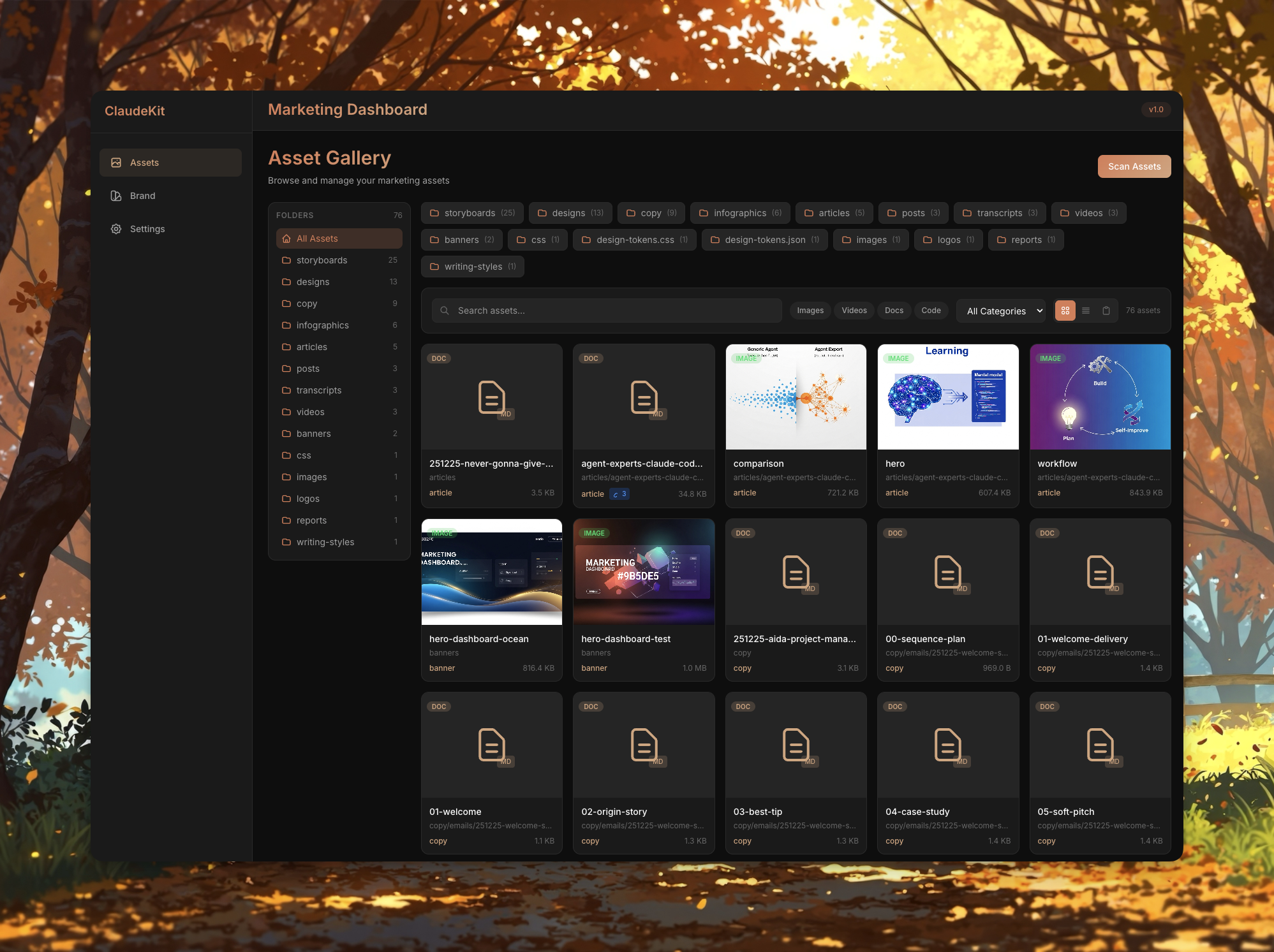
Asset Management (Content Hub)
Centralized hub for all marketing assets with intelligent organization:
# Open visual dashboard
/ckm:dashboard

# Manage 6 asset categories:
# - Copy & Writing Styles
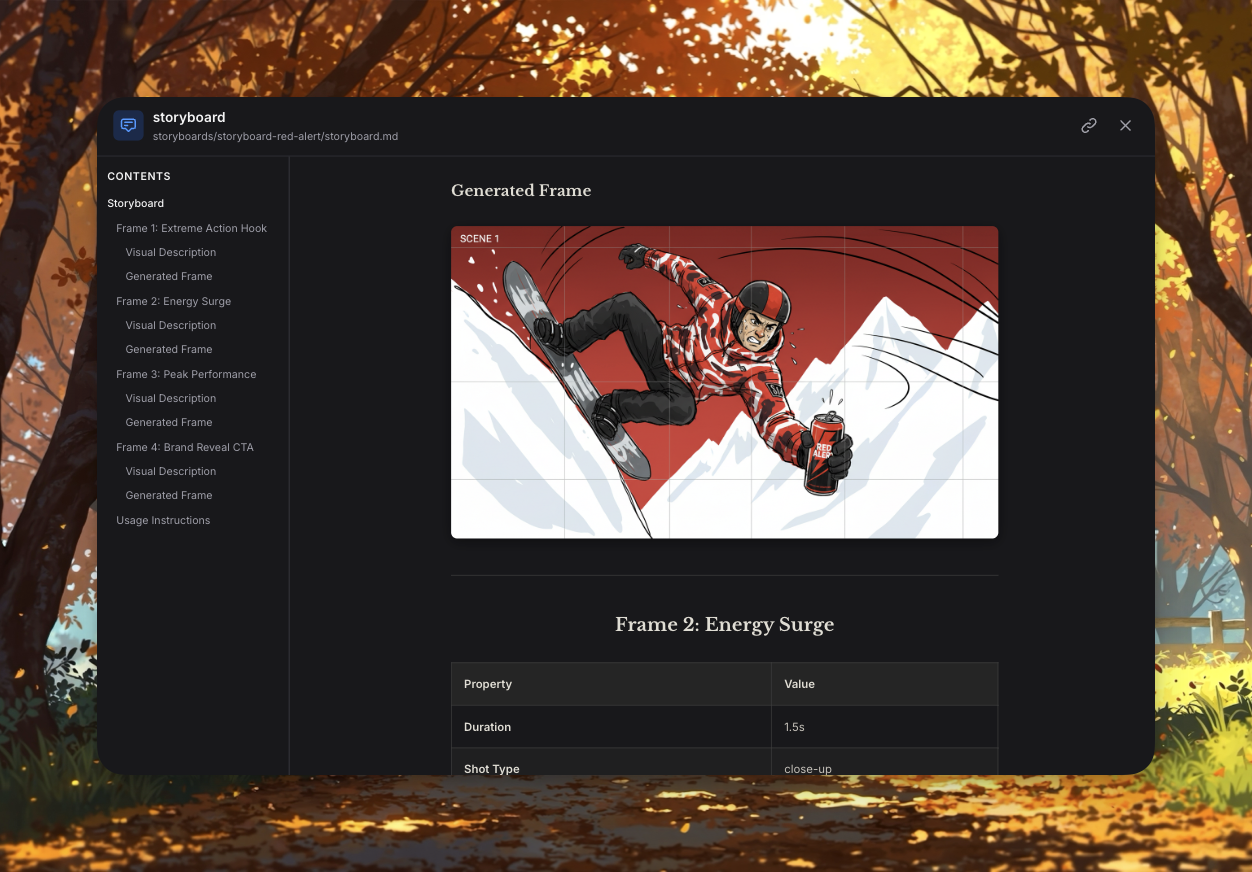
# - Storyboard (video stories)
# - Presentations (pitch decks, proposals)
# - Infographics (data visualization)
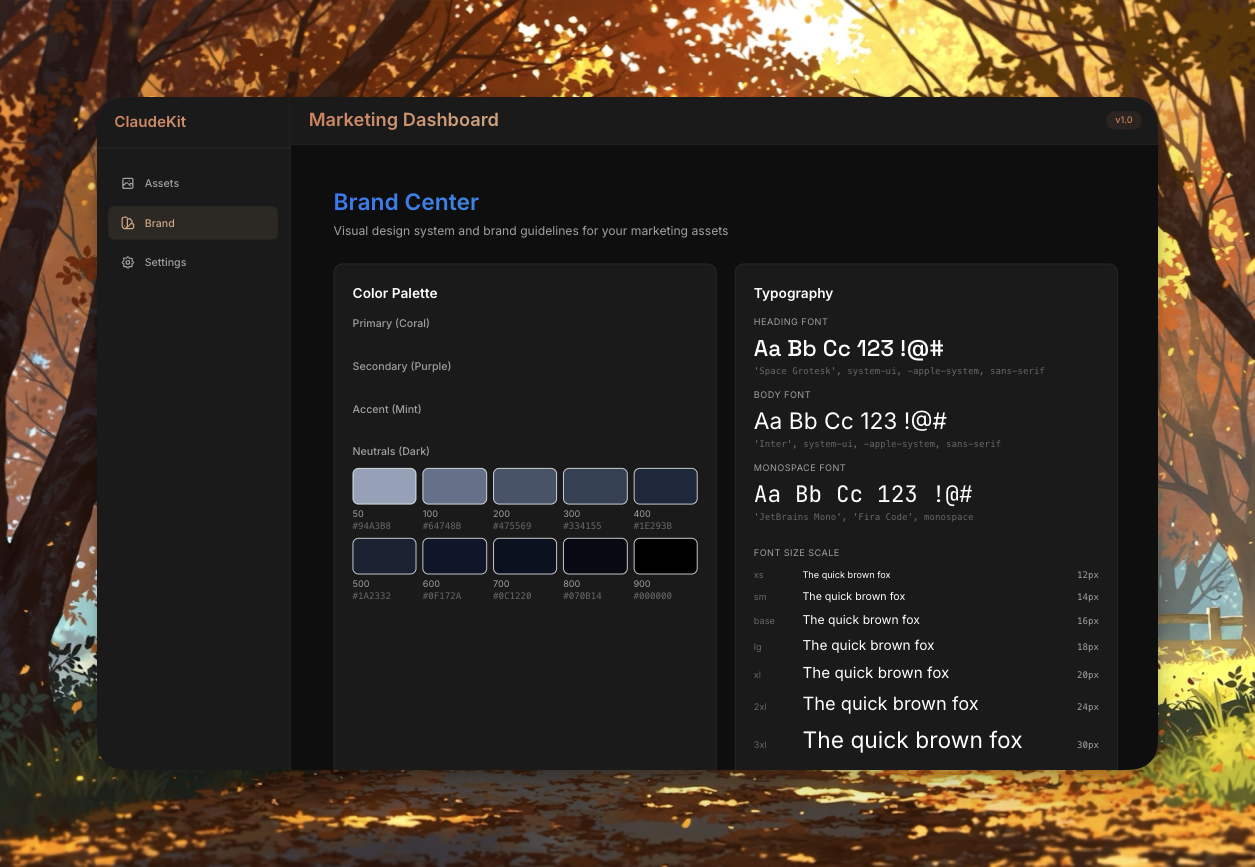
# - Branding Guidelines (logo, colors, voice)
# - Social Posts (platform-specific content)Screenshots:
See Asset Management for full details.
Content Creation
Create high-quality marketing content with author voice extraction:
# Blog post with style matching
/ckm:write:blog "10 SaaS Pricing Strategies" --style casual-founder

# Content quality check
/ckm:write:audit /assets/copy/blog-posts/pricing-guide.md

# Publishing workflow
/ckm:write:publish /assets/copy/blog-posts/pricing-guide.md
See Copywriting Skill for details.
Video Production
Professional video workflow with Gemini Veo 3.1 + Imagen 4:
# Create complete video
/ckm:video:create "Product demo for homepage"

# Generate video script
/ckm:video:script "Explain API rate limiting" --duration=60 --platform=youtube

# Create visual storyboard
/ckm:video:storyboard /assets/videos/2024-12-30-api-demo/script.md
See Media Processing Skill for details.
Presentations
Create beautiful pitch decks, campaign proposals, and presentations:
# Investor pitch deck
/ckm:slide:create "Series A pitch deck - AI marketing automation"

# Campaign proposal
/ckm:slide:create "Q1 product launch campaign with budget analysis"

# Product demo
/ckm:slide:create "Technical demo API features for enterprise"
See Content Marketing Skill for details.
Campaign Management
Create, manage, and optimize marketing campaigns with AI assistance:
/ckm:campaign create "Summer Sale 2025"
/ckm:campaign status
/ckm:campaign analyze
SEO Optimization
Boost your search rankings with AI-powered SEO tools:
/ckm:seo keywords "competitor analysis"
/ckm:seo optimize "landing page"
/ckm:seo audit
Analytics & Insights
Track performance and get actionable insights:
/ckm:analyze traffic
/ckm:analyze campaigns
/ckm:analyze conversions
Next Steps
- Marketing Agents - Meet your AI marketing team
- Marketing Skills - All available skills
- Marketing Workflows - Step-by-step guides