Visual interface for marketing operations
Quick Start
/dashboardWhat happens:
- Starts Vue 3 frontend (port 5173)
- Starts Hono API backend (port 3457)
- Initializes SQLite database
- Opens browser to dashboard
URLs:
- Frontend: http://localhost:5173
- API: http://localhost:3457
- Health: http://localhost:3457/health
Syntax
/dashboard [mode]Modes
| Mode | Description | Use Case |
|---|---|---|
dev | Development with HMR | Default, active development |
build | Build for production | Create optimized bundles |
prod | Production mode | Serve production bundles |
stop | Stop servers | Cleanup |
Dashboard Features
Campaign Board
- Kanban view with drag-drop
- Status columns: Planning, Active, Paused, Completed
- Quick actions: Edit, Analyze, Duplicate
- Filter by date, status, channel
Content Library
- Grid view of all content
- Filters: Type, campaign, status, date
- Search by title, keywords
- Quick preview and edit
Asset Management Hub
The Asset Management section provides centralized access to all marketing assets created by ClaudeKit commands. Browse, preview, and organize markdown reports, storyboards, slides, images, videos, and branding documents.
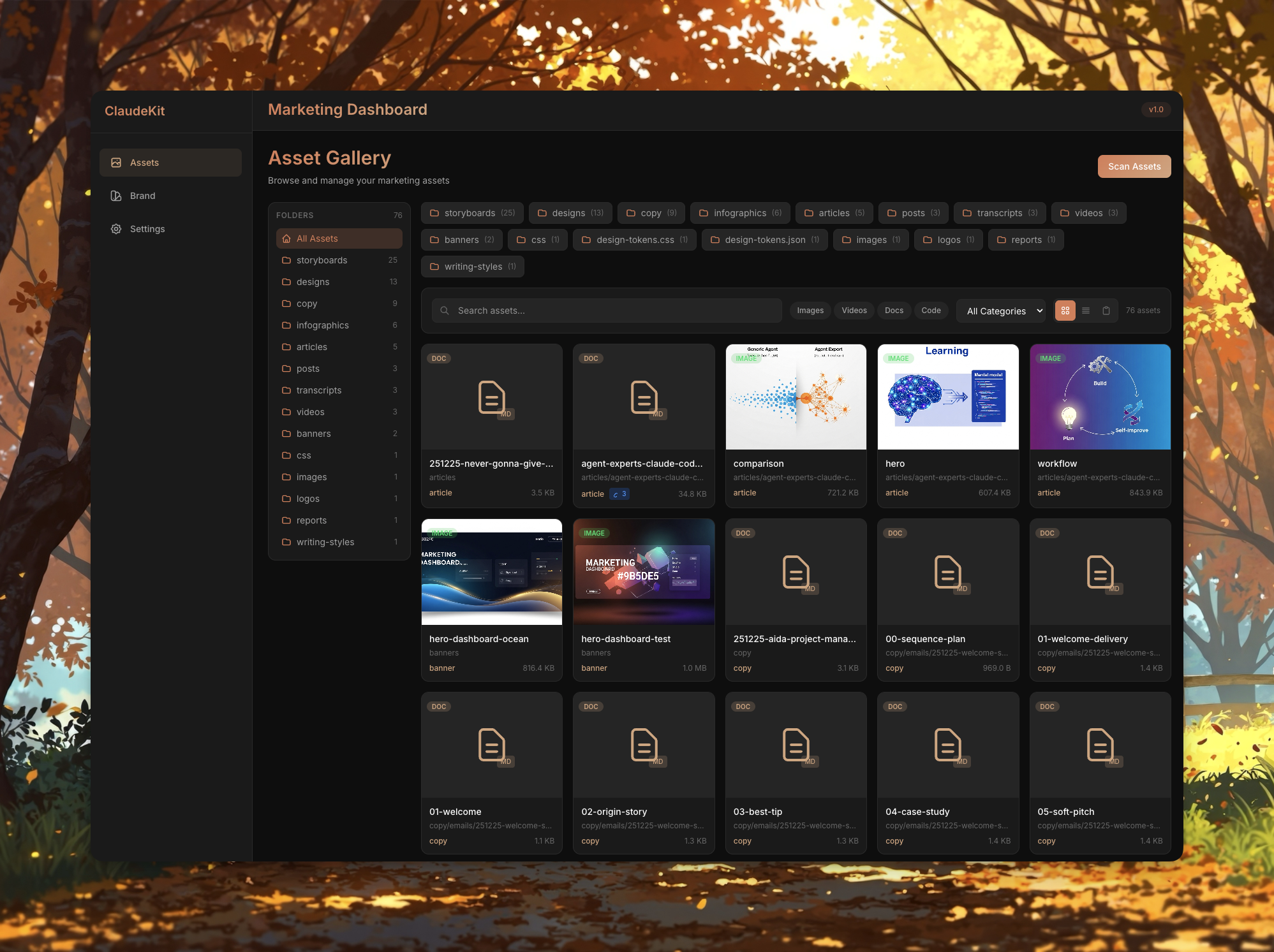
Asset Categories:
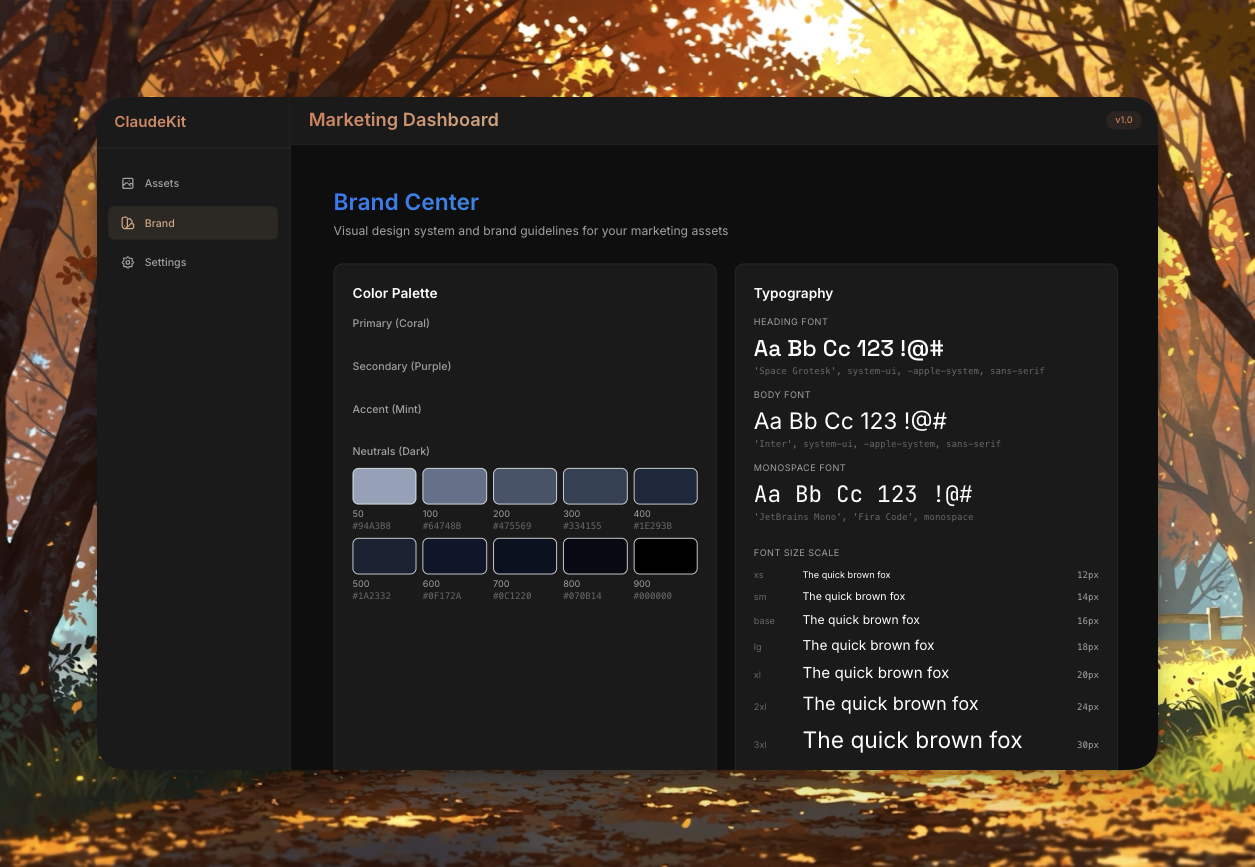
Branding Guidelines
- Brand voice documentation
- Style guides and templates
- Color palettes and typography
- Logo assets and usage rules
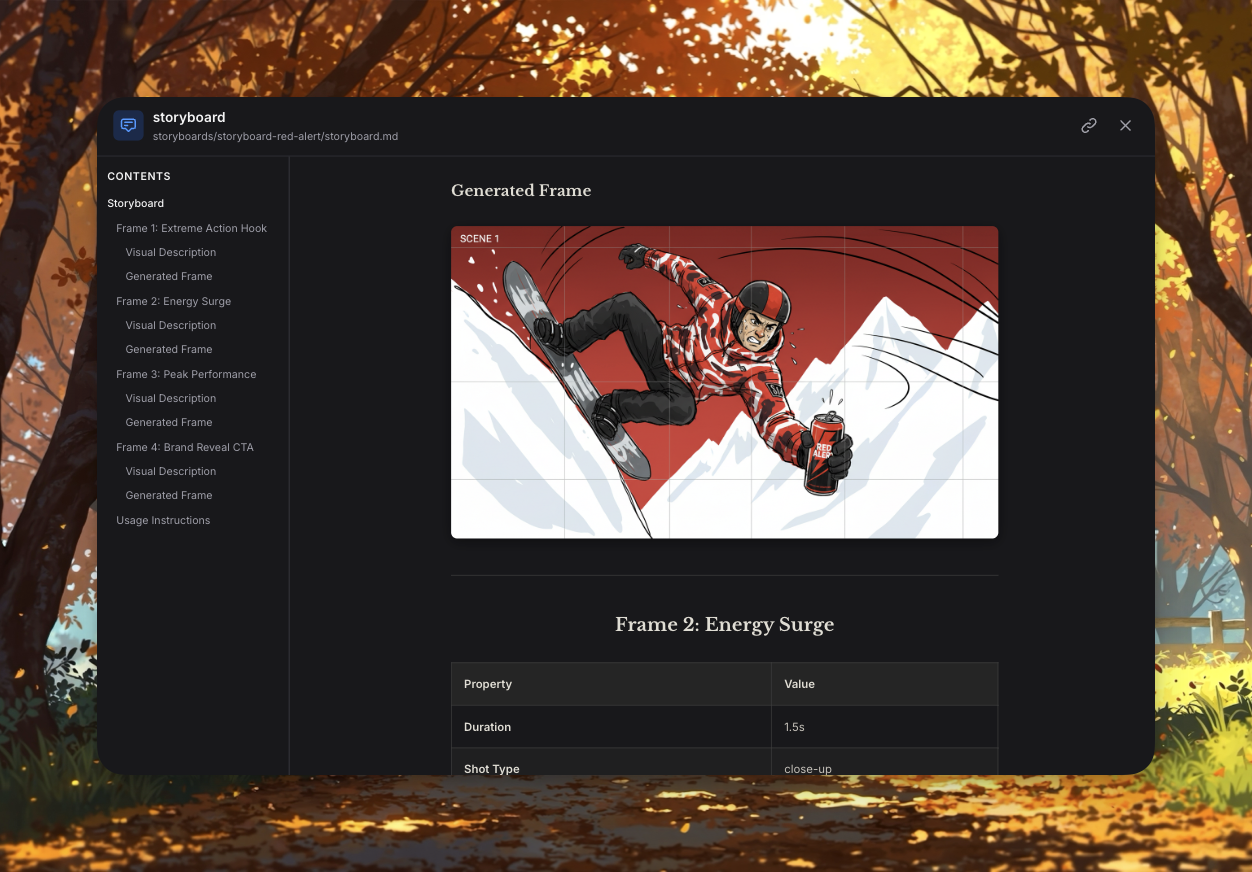
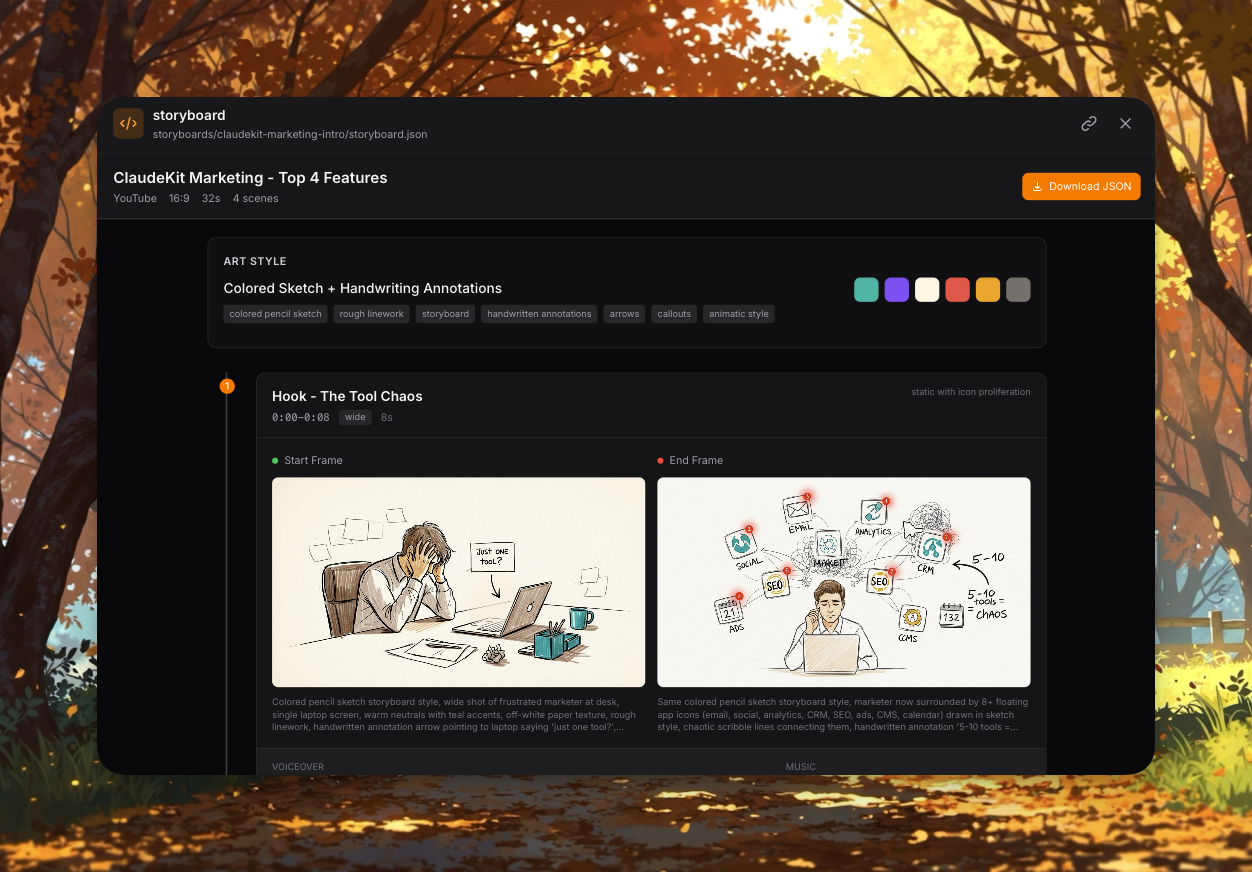
Storyboards (Video Production)
- Visual scene breakdowns
- Shot-by-shot planning
- Timeline previews
- Export to production
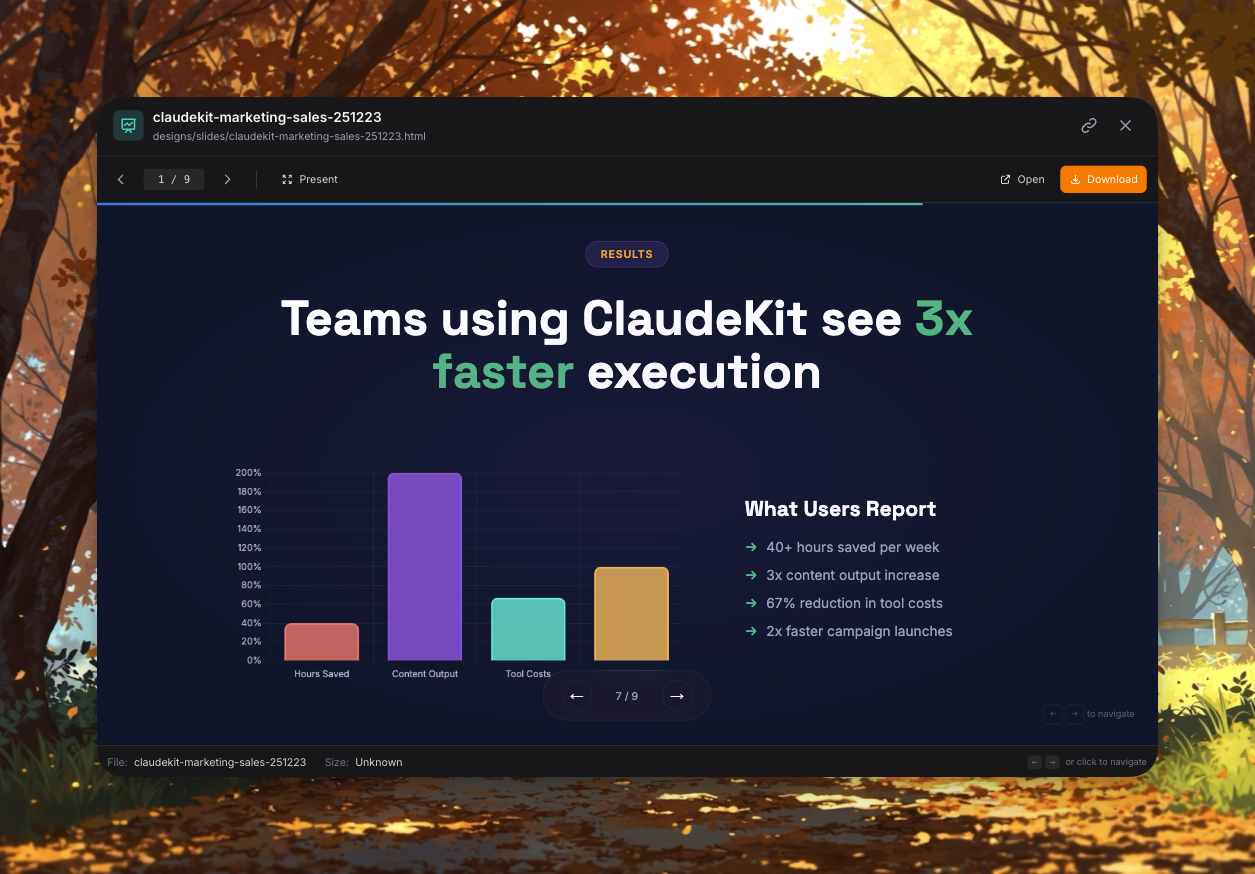
Presentation Slides
- Pitch decks (.pptx)
- Campaign proposals
- Product demos
- Performance reports
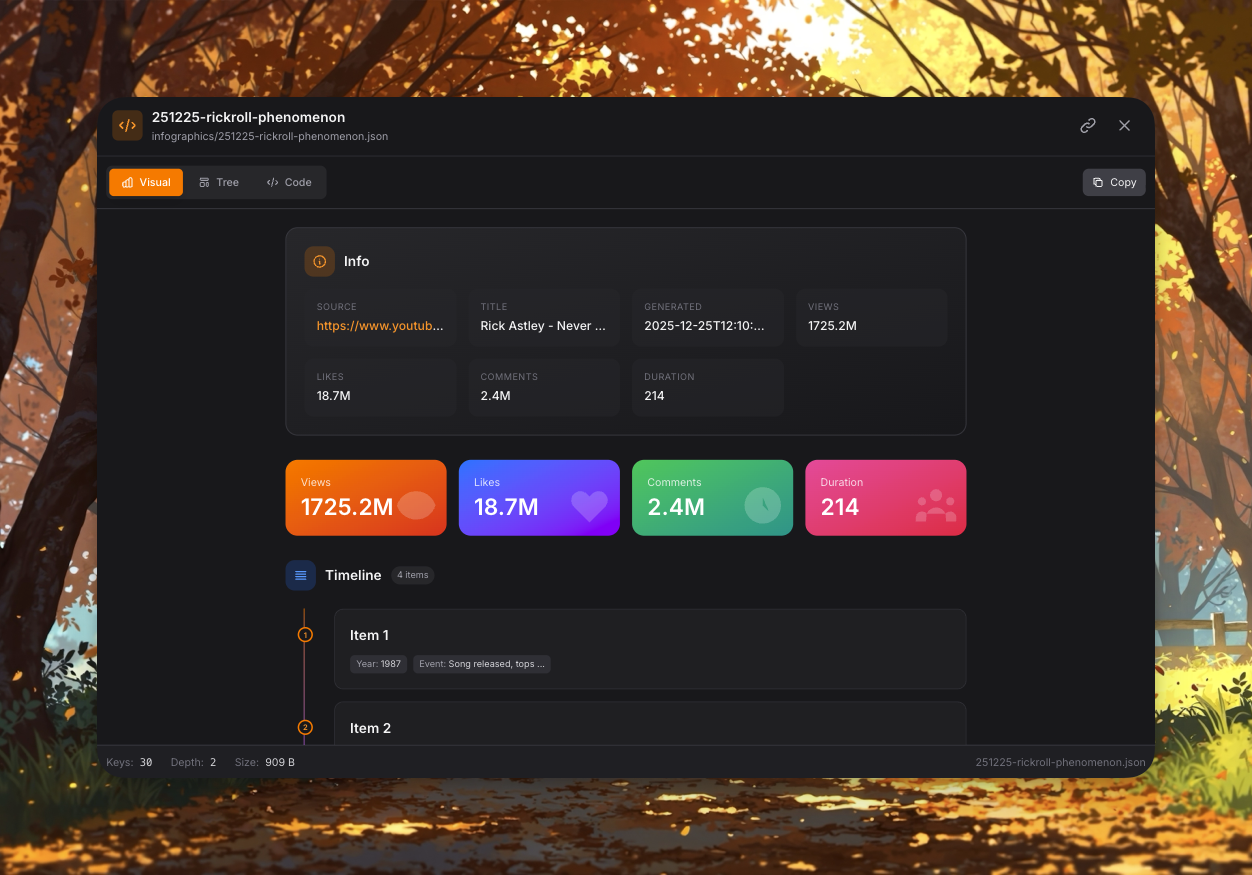
Infographics & Visuals
- Social media graphics
- Data visualizations
- Blog featured images
- Campaign creatives
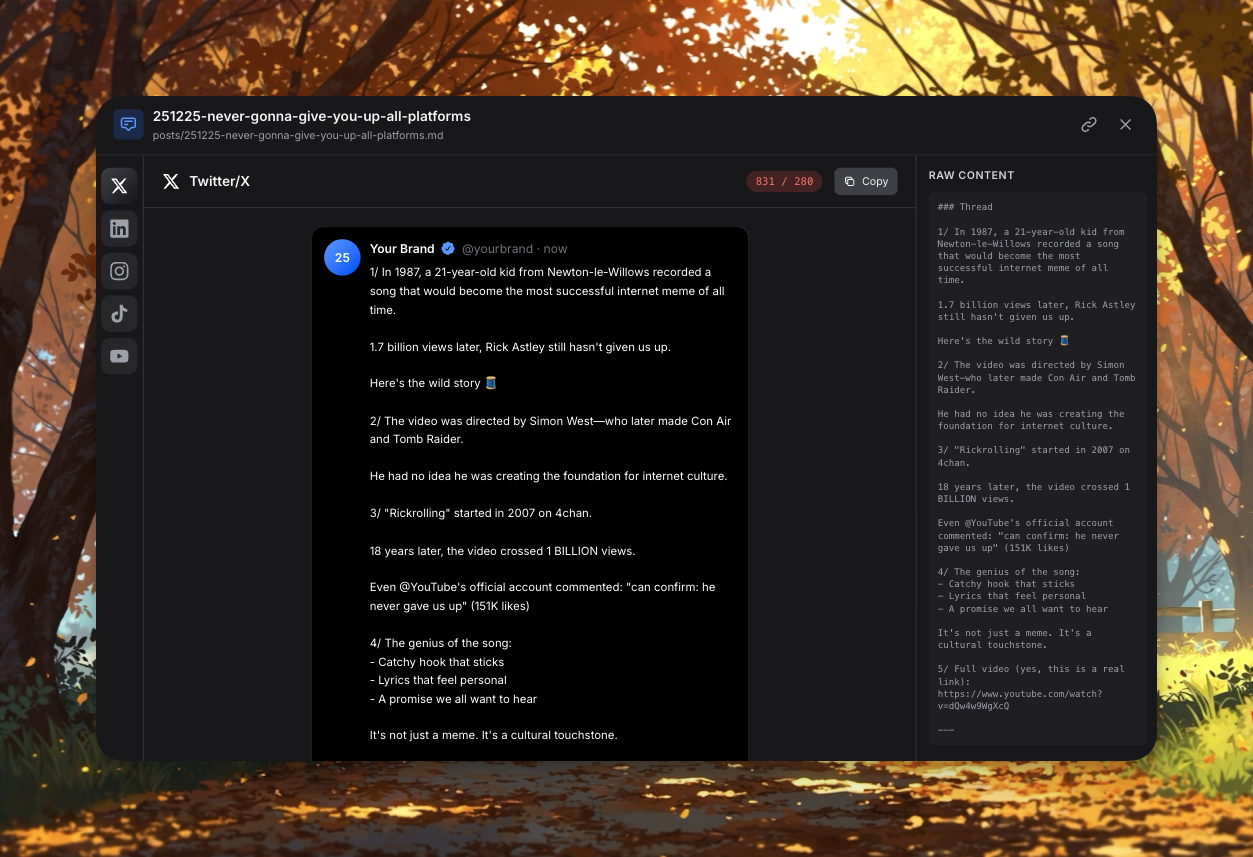
Social Media Posts
- Platform-specific content
- Scheduled posts
- Performance metrics
- Engagement tracking
Asset Hub Features:
- Preview Mode: View markdown, images, videos inline
- Quick Actions: Download, share, edit, duplicate
- Search & Filter: Find assets by type, date, campaign, tags
- Bulk Operations: Export, archive, delete multiple assets
- Version History: Track changes and restore previous versions
- Collections: Organize assets into custom folders
Automation Panel
Pre-built automation recipes:
- Blog Post Generator
- Social Media Pack
- Campaign Brief Creator
- SEO Audit Tool
- Email Sequence Builder
Tech Stack
- Frontend: Vue 3 + Vite + Pinia + Tailwind CSS
- Backend: Hono + Node.js
- Database: SQLite (local file)
- AI: Claude API integration
- Build: Optimized 56 KB gzipped
Examples
Start Development
/dashboard dev
# or just
/dashboardOutput:
Starting Marketing Dashboard...

✓ Installing dependencies...
✓ Initializing database...
✓ Starting API server (port 3457)...
✓ Starting frontend (port 5173)...

Dashboard ready!
→ Frontend: http://localhost:5173
→ API: http://localhost:3457

Press Ctrl+C to stop
Build for Production
/dashboard buildOutput:
Building for production...

✓ Frontend build complete
  - dist/assets/*.js (42 KB gzipped)
  - dist/assets/*.css (14 KB gzipped)
  Total: 56 KB gzipped

Build artifacts: app/dist/

Deploy with:
/dashboard prod
Production Mode
/dashboard prodOutput:
Starting production server...

✓ Serving built app from app/dist/
✓ API server running (port 3457)

Production ready!
→ Application: http://localhost:3457
→ Health check: http://localhost:3457/health
Stop Servers
/dashboard stopOutput:
Stopping servers...

✓ Frontend stopped (port 5173)
✓ API stopped (port 3457)

Dashboard stopped.
API Key Setup
Required for AI features:
Via Dashboard:
- Open http://localhost:5173
- Go to Settings
- Enter Claude API key
- Save to sessionStorage
Via Environment:
export CLAUDE_API_KEY=your-key-here
/dashboard
Data Storage
All data stored locally:
- Database:
server/marketing.db(SQLite) - Assets:
assets/directory - Config:
.envfile
Backup:
cp server/marketing.db server/marketing.db.backupWorkflow Integration
Visual Campaign Management
# Start dashboard
/dashboard

# Create campaigns visually
# Manage content in UI
# Run automation recipes
Command + Dashboard Combo
# Create via command
/campaign create "Q1 Launch"

# View in dashboard
/dashboard
# See new campaign in Kanban board

# Analyze in dashboard
# Export reports
Performance
- Cold start: 3-5 seconds
- HMR updates: <100ms
- API response: <50ms avg
- Bundle size: 56 KB gzipped
Requirements
- Node.js 18+
- NPM dependencies (auto-installs)
- 100 MB disk space
- Modern browser (Chrome, Firefox, Safari, Edge)
Troubleshooting
Port Conflicts
# Change ports in server/index.js and app/vite.config.ts
# Or stop conflicting services
Database Locked
/dashboard stop
rm server/marketing.db.lock
/dashboard
API Key Issues
# Check key in Settings page
# Or set environment variable
export CLAUDE_API_KEY=sk-ant-...
Related Commands
- /campaign - Create campaigns (CLI)
- /content - Create content (CLI)
- /analyze - View analytics (CLI + dashboard)
Related Files
- Skill:
.claude/skills/marketing-dashboard/ - Scripts:
start.sh,build.sh,stop.sh - Server:
server/index.js - Frontend:
app/src/
Visual management. Campaigns, content, and automation in one interface.